Repeat reviews with a single HTML file
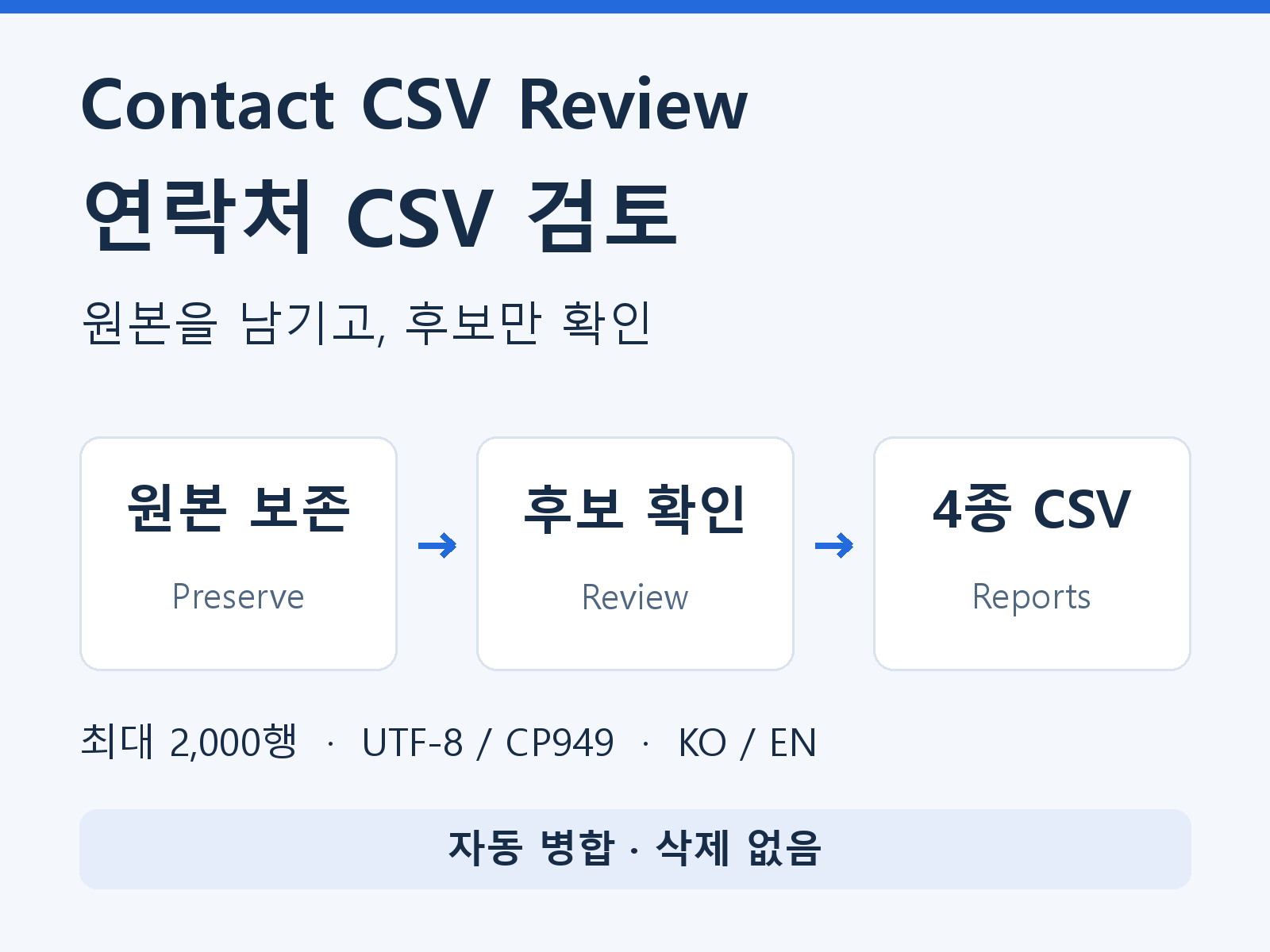
Read your CSV, map columns and download the reviewed, candidate and issue CSVs plus an unchanged original-byte copy. No installation, account or API key is required.
Sales and operations lists · downloadable tool
Shared email addresses, switchboards, different names. Keep the original records and inspect candidate groups and issue locations before deciding.
Check whether your actual CSV fits this contact tool or the product checker. Map original headers and reuse the same first 20 rows before choosing a download.
Review Google Value columns and excluded secondary fields before checking candidates. The free assistant reads a 20-row copy locally; it does not connect to Google or become part of the paid ZIP.
Check Record ID gaps and email coverage in a local 20-row copy. Review intended new records separately from updates before using the candidate check below.
Check empty contact lists before buying. The free trial now flags an email or phone field containing only semicolons, such as ; ;, as a format issue. It also flags a row with neither an email nor a phone value. The current paid v1.1.1-docs1 download still misses these separator-only fields. Inspect these fields separately when using that download; its replacement has not been published.
Try 20 rows free before buying
Open a CSV copy or paste a small table copied from Excel. Include the header and up to 20 contacts, select the pasted format explicitly, then map at least an email or phone column. Your source stays unchanged.
CSV contents are processed in this browser memory only and are not sent to servers or included in AI calls, analytics or persistent storage. Website visitor analytics is a separate optional choice. Clear results or close the page to end the trial. Do not attach contact files to enquiries.
If text is unreadable, change the encoding and read again. XLSX and VCF are not supported. Over-limit files are rejected in full; partial checks are not presented as complete results.
Mailchimp: review duplicate email rows before Auto-Update; keep audience and contact-type context.
Review an Outlook contact CSV: version checklist, field mapping and duplicate candidates
The 12-row example retained all 12 records, reported 2 candidate groups containing 5 records and flagged 9 rows for review. Zero rows were merged or deleted. These are test results, not customer outcomes.
Download the fictional input CSV · Download its generated candidate report (Korean labels)
Use the input copy in the trial. Original names and values stay in their original language. A shared comparison value does not confirm that records belong to one person.
Read your CSV, map columns and download the reviewed, candidate and issue CSVs plus an unchanged original-byte copy. No installation, account or API key is required.
Both guides cover encoding, limits, number and ID preservation, formula-like text protection and human review. The existing fictional 12-row example is included. Source content is not translated.
The earlier v1.1 version was checked in desktop Edge over local HTTP for source preservation and four CSV downloads. The v1.1.1 file-reading repair was checked using its bundled script in a synthetic DOM. Direct file opening, the current actual file picker, customer files, Excel/CRM importing and mobile remain unverified. The free Google-header assistant is not part of the paid download.
The current sale file ContactReview-v1.1.1-docs1-ko-en.zip includes the complete English explanation in Verification-English.txt. This restores the document missing from the earlier v1.1.1 ZIP and retains the Korean notes in 검증범위.txt. You can read the same English explanation below before buying.
Download English verification notes (TXT)
Ten file-reading lifecycle cases and 27 core/language regression checks are recorded tests, not customer outcomes. The notes distinguish the earlier browser checks from the current repair’s synthetic checks. Tool functionality and existing purchase conditions are unchanged.
The unchanged v1.1.1 HTML was extracted from the recorded local copy of the current sale ZIP and opened over local HTTP in the Codex in-app browser. The existing fictional 12-record example produced four actual downloads per language, eight files in total, which were reopened for inspection. All 12 records and six source columns were retained, and both source-byte copies matched the bundled fictional input exactly. Five candidate records belong to two groups, while 12 issue entries affect nine distinct rows. These are operator checks, not customer outcomes.
This check covers downloads from the fictional example. The actual file picker, direct file opening, customer files, maximum-size files in the browser, Excel/CRM importing, mobile, the remote ZIP hash and purchaser downloads remain unverified. Eight formula-like source values receive a text-protection prefix only in report CSVs; the source-byte copy stays unchanged.
Yes. The v1.1.1 ZIP includes a Korean/English interface and English usage guide. English mode translates authored explanations; source headers, names, numbers, notes and IDs remain in their original language. English custom cleanup support is not included.
No. It reports candidates with a shared email, phone comparison value or existing ID. Shared mailboxes and switchboards can belong to different people. Matching names alone do not create groups. It does not infer missing information, merge or delete records.
Comma-separated CSV with a header: up to 2,000 data rows, 80 columns, 2 MiB and 10,000 characters per cell in the paid tool. Choose UTF-8/BOM or CP949 and map at least email or phone. XLSX and VCF are not read directly. The free trial below is limited to 20 rows and 32 KiB.
The free trial and downloaded HTML process file contents in the current browser memory. CSV contents are not included in server transfer, AI calls, analytics or persistent storage. Website visitor analytics is a separate optional choice. Downloaded reports remain on your device. Clear trial results or close its page when finished.
The original-byte copy stays unchanged. The reviewed CSV retains every original row and column and adds two review columns. Report CSVs prefix formula-like strings with an apostrophe to protect them as text; this can include international phone numbers. Keep a separate backup and inspect the destination import template.
No CRM upload, account access, email delivery validation, customer-data processing or custom cleanup service is included. Source Row is a position in the current CSV, not a permanent record ID. Reports are not guaranteed to match a CRM import template.
This English explanation follows the existing product conditions (Korean) for the same download. The usage and refund conditions are unchanged.
Use and sharing. The buyer or buyer’s organization may repeatedly use the tool for internal work and share their own generated reports with work-related parties. Reselling or distributing the tool itself is not included.
Download and support scope. This is a one-time digital purchase delivered as one ZIP download. Future features, lifetime updates and custom support are not promised.
Orders, file access and refunds. Enquiries follow the Lemon Squeezy order screen and the existing support route. No new refund clause restricts buyer rights under applicable law or the provider’s policies. Use only de-identified or fictional reproductions in enquiries, not actual contacts.
Separate purchases. The product CSV checker, the KRW 49,000 Excel custom setup service and Onepage48 website-building work are separate products. Their prices, files, delivery times and revision conditions do not apply to this download.